
 00:08:00 · 25FPS
Start Keyframe16:9 CinemaRain Foley
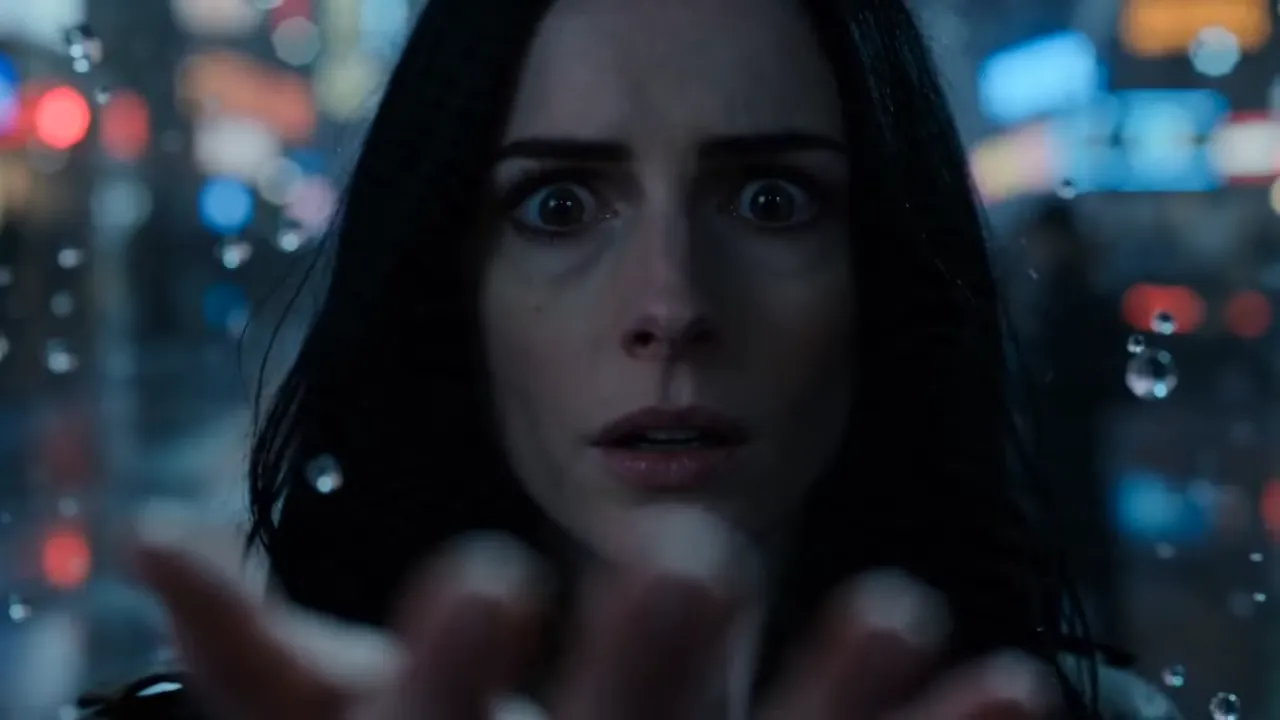
Midnight Rain Glass Push-In
Subtle macro push-in animating rain droplets on glass and rising hand motion from a locked portrait still.
MAGI-2 IMAGE-TO-VIDEO · START & END KEYFRAMES · 1080P @ 25 FPS · ZERO UPLOADS
Script Start & End Keyframe bridges, direct physical motion without warping static compositions, and layer synchronized foley—free in your browser.
100% browser-local pre-production studio · No sign-up or cloud upload · Paste exported script or JSON into Sand.ai, Higgsfield, Kie.ai, SeeAPI, or Pollo AI to render.
IMAGE-TO-VIDEO REEL EXAMPLES
Explore six Image-to-Video motion recipes—from macro product commercials to lip-synced portraits—and load any script into the Keyframe Lab.
00:08:00 · 25FPS
Subtle macro push-in animating rain droplets on glass and rising hand motion from a locked portrait still.
 00:06:00 · 25FPS
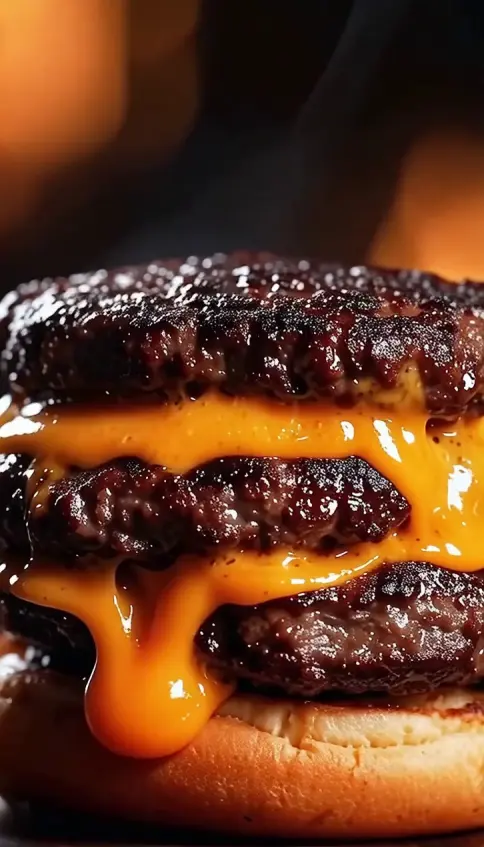
Tabletop food-commercial motion bringing gravity-driven melted cheese physics and grill sizzle to a still photo.
 00:06:00 · 25FPS
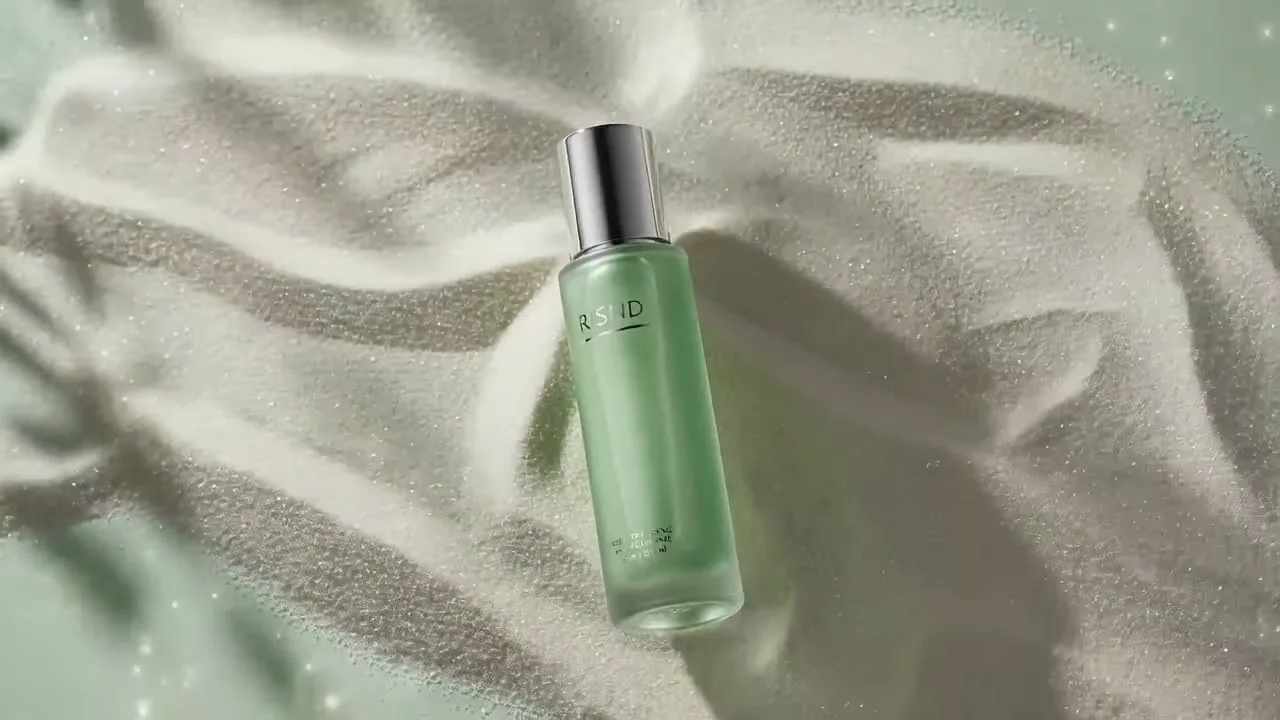
Clean luxury cosmetic animation combining gentle caustic sunlight shimmer and subtle sand sparkle drift.
 00:08:00 · 25FPS
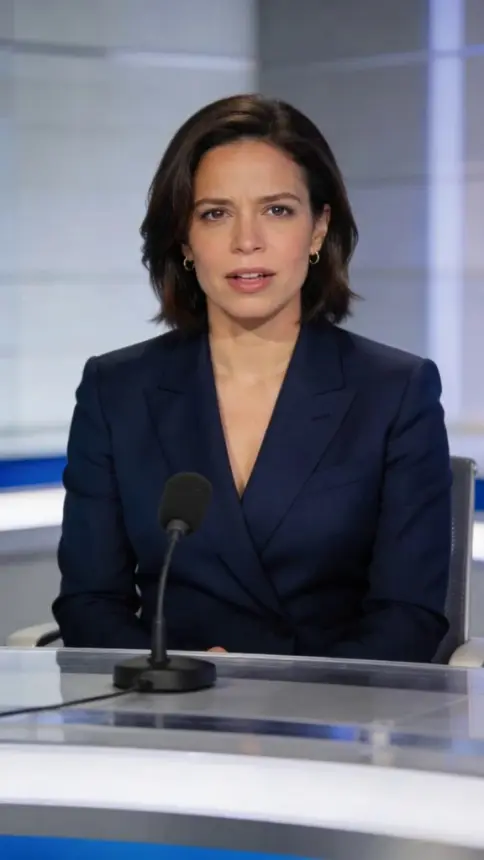
Talking-head studio keyframe animated with natural posture micro-motion and crisp broadcast lip-sync speech.
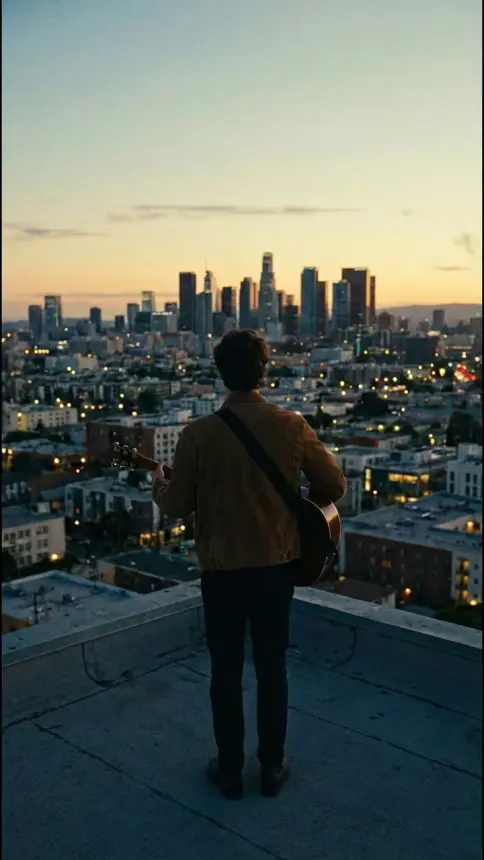 00:08:00 · 25FPS
Atmospheric twilight still animated with subtle jacket breeze, gentle camera push, and acoustic guitar picking.
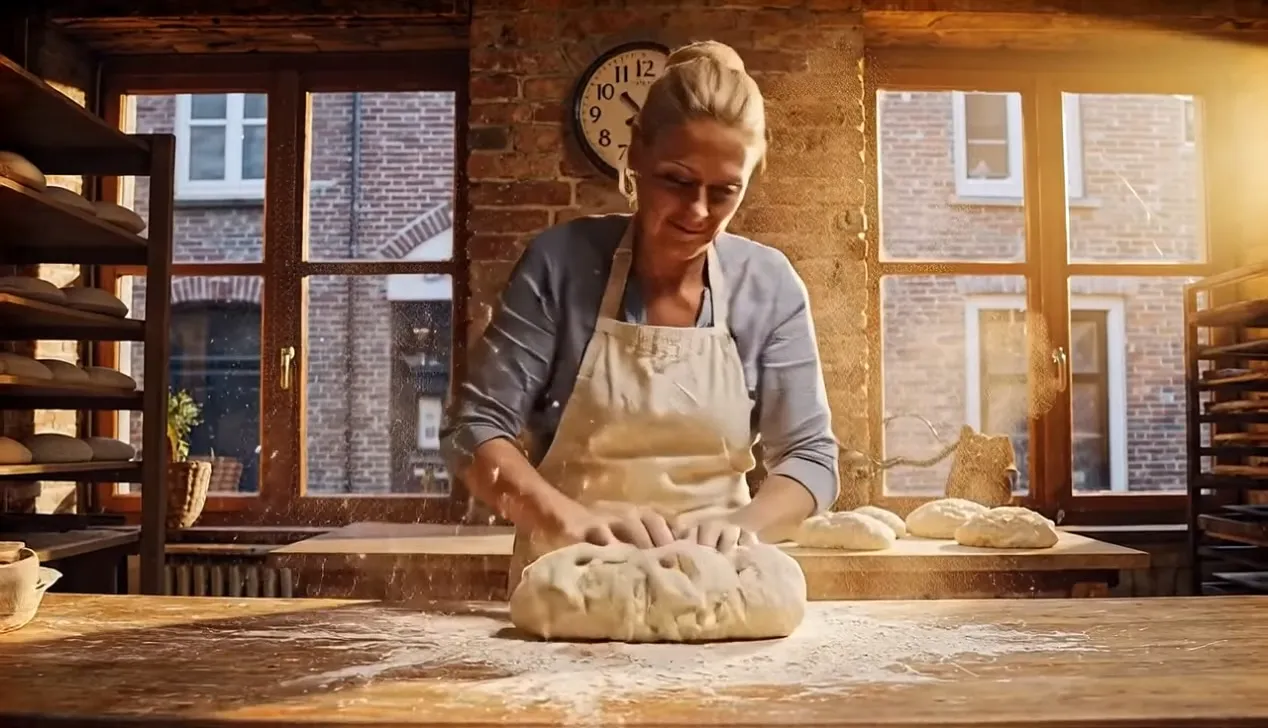 00:08:00 · 25FPS
Warm documentary still brought to life with rhythmic sourdough kneading, suspended flour dust, and wood-table foley.
THREE-PHASE WORKFLOW
Turn static photography and product renders into fluid 25fps cinema clips without distorting your hero subject.
Define your opening composition anchor and optional closing keyframe target while matching 16:9, 9:16, or 1:1 framing.
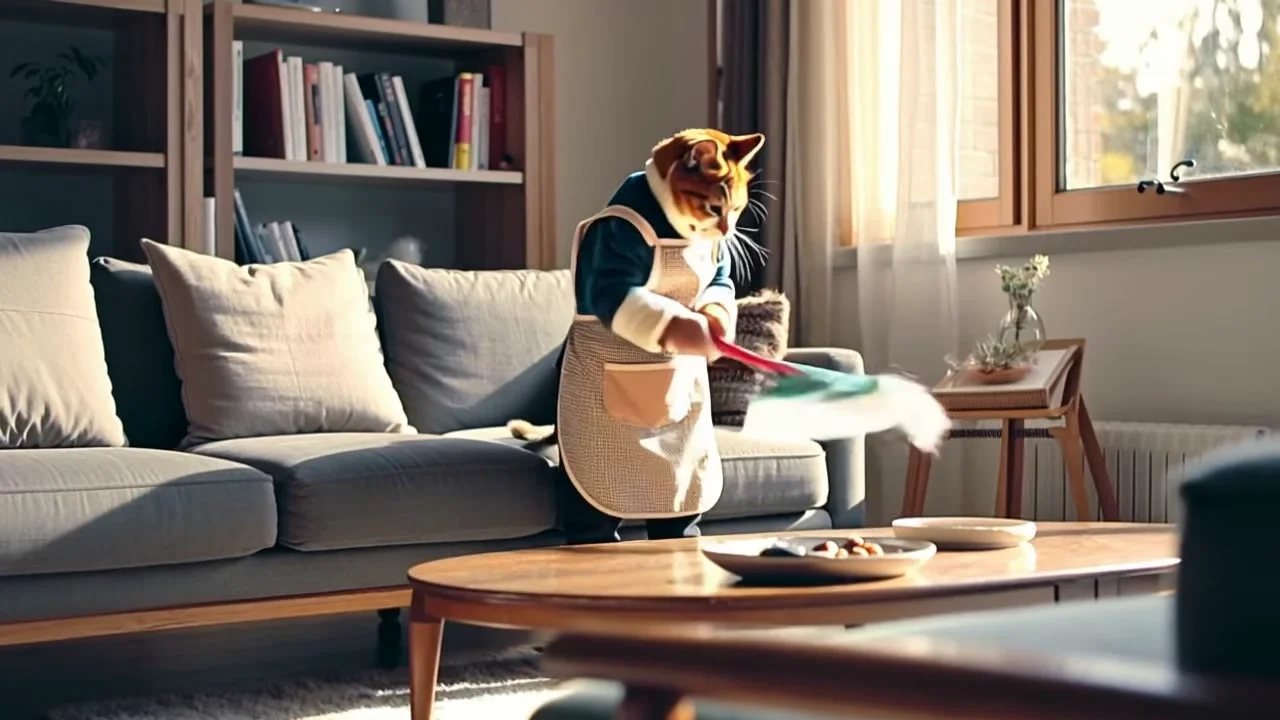
Specify physical movement, lens rig speed, and tactile foley cues—skip redundant descriptions of static pixels.

Copy your structured I2V prompt or JSON payload and pair it with your local stills on Sand.ai, Higgsfield, Kie.ai, or SeeAPI.
When your opening composition—a studio product photo, an architectural render, or a hero character still—cannot change, MAGI-2 Image-to-Video eliminates layout roulette. Instead of re-describing every pixel from scratch, you hand the model a locked start frame (plus an optional closing end frame) and spend 100% of your prompt budget directing motion physics, lens travel, lighting evolution, and synchronized native audio.
This workstation pre-activates the Start & End Keyframe Bridge inside the Director Console so you can specify exact transition behavior across 4 to 30 seconds at 1080p and 25 fps, then export a clean prompt or API JSON schema locally.
A common I2V mistake is re-writing a 100-word caption describing objects already visible in the uploaded photo. MAGI-2 already encodes the first frame visually. Keep your prompt focused on what moves and how: liquid ripples across glass, flour rising into sunbeams, rain streaks sliding down a windowpane, or a slow 100mm macro push-in.
If your product still is shot vertically (9:16, 1080×1920) for social ads, lock the console aspect ratio to 9:16 so your host does not crop critical framing. Likewise, match 16:9 widescreen stills for broadcast or cinema cuts.
Supplying both a start keyframe and an end keyframe turns MAGI-2 into an intelligent in-betweening engine. Keep lighting direction and subject scale compatible between the two frames, and allow 6 to 10 seconds when spanning large camera turns so motion stays fluid at 25 fps rather than accelerating unnaturally.
Product and food stills come alive when accompanied by accurate micro-audio: sizzling cast-iron beef, glass bottle clinks, soft rainfall on windows, or crisp dough kneading on oak. Adding clean foley cues in the Soundstage Mixer gives commercial clips broadcast polish in one pass with zero extra audio cost.
Need to animate ten different camera angles of the same product or keep one spokesperson consistent across multiple scenes? Combine your hero stills with video motion references and vocal samples in our Reference-to-Video 20-Asset Matrix, estimate total campaign costs in the API Pricing Estimator, or return to the All-in-One Director Console.
DEDICATED WORKSTATIONS
Switch directly to specialized shot-list builders and transparent 1080p render budget estimators.
Return to the full console with all workflows and model comparison specs.
Open Workstation → T2V STUDIODraft multi-shot narratives from scratch without starting photography.
Open Workstation → 20 REFSCombine up to 10 images, 5 videos, and 5 audio clips in one pass.
Open Workstation → API BUDGETForecast campaign render budgets across take counts and download CSV.
Open Workstation →TECHNICAL ANSWERS
Essential tips on start/end keyframe motion, aspect ratio matching, foley audio, and local image privacy.
Yes. MAGI-2 Image-to-Video accepts a locked opening start frame and an optional closing end frame so the model interpolates smooth camera movement, lighting shifts, and synchronized audio between both stills.
No. Focus your prompt on camera movement, subject action, lighting transitions, and audio foley—the visual details are already anchored by your source image.
Use 5 to 8 seconds for subtle macro product loops and 8 to 12 seconds when interpolating a larger camera turn between two different keyframes.
Yes. Because MAGI-2 is a unified audio-video model, animating a silent still automatically generates frame-synced foley, dialogue lip-sync, or music based on your soundstage cues.
Match the output aspect ratio (16:9, 9:16, or 1:1) to your input still so hosting endpoints do not center-crop your subject or product typography.
No. This browser workstation scripts your keyframe prompts and JSON locally without uploading your images. Upload your actual PNG/JPEG keyframes directly on your chosen MAGI-2 provider alongside the exported script.
READY TO DIRECT
Structure 4–30s multi-shot camera beats, pair synchronized dialogue and foley cues, map up to 20 multimodal references, and export clean JSON locally in your browser.
CREATOR FIELD NOTES
Post a MAGI-2 timeline beat structure, soundstage cue that worked well, or technical question for fellow creators.
No field notes yet. Share the first MAGI-2 prompt setup or workflow tip above.