
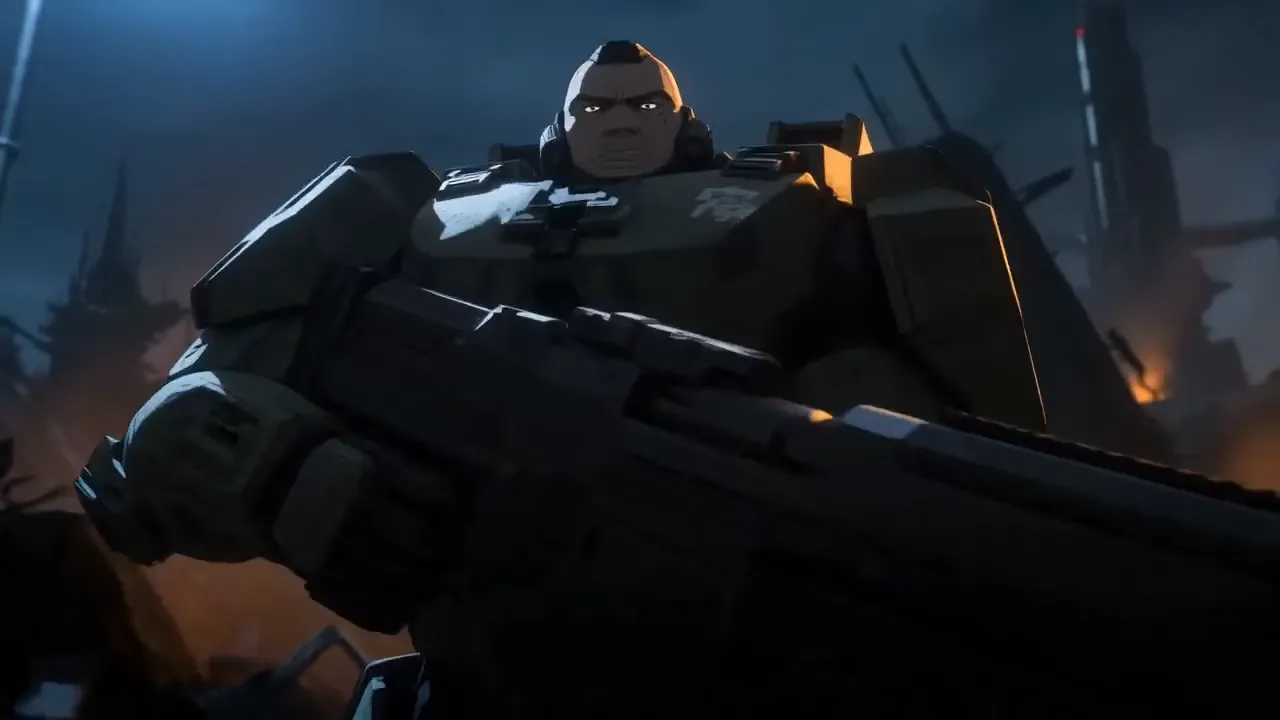
 00:10:00 · 25FPS
Character Lock4 Img + 1 Vid16:9
Armored Mech Commander Lock
Character armor sheet + camera tracking reference maintaining identical shoulder markings and rim light through motion.
MAGI-2 OMNI-REFERENCE · UP TO 20 ASSETS (10 IMG · 5 VID · 5 AUD) · 1080P @ 25 FPS
Allocate up to 10 image, 5 video, and 5 audio references with clear @img/@vid/@aud binding roles so casts, products, and voices stay consistent across every cut.
100% browser-local pre-production studio · No sign-up or cloud upload · Paste exported script or JSON into Sand.ai, Higgsfield, Kie.ai, SeeAPI, or Pollo AI to render.
OMNI-REFERENCE CONTINUITY REELS
Inspect six multimodal conditioning setups and load any reference binding blueprint straight into the 20-Slot Matrix above.
00:10:00 · 25FPS
Character armor sheet + camera tracking reference maintaining identical shoulder markings and rim light through motion.
 00:12:00 · 25FPS
Multi-reference fantasy worldbuilding combining costume sheet, spire silhouette, and drifting ember atmosphere.
 00:12:00 · 25FPS
Architectural environment consistency anchored by reference domes, lighting LUT still, and slow drone descent clip.
 00:08:00 · 25FPS
Vehicle design reference paired with high-speed chase camera motion and analog synth stem.
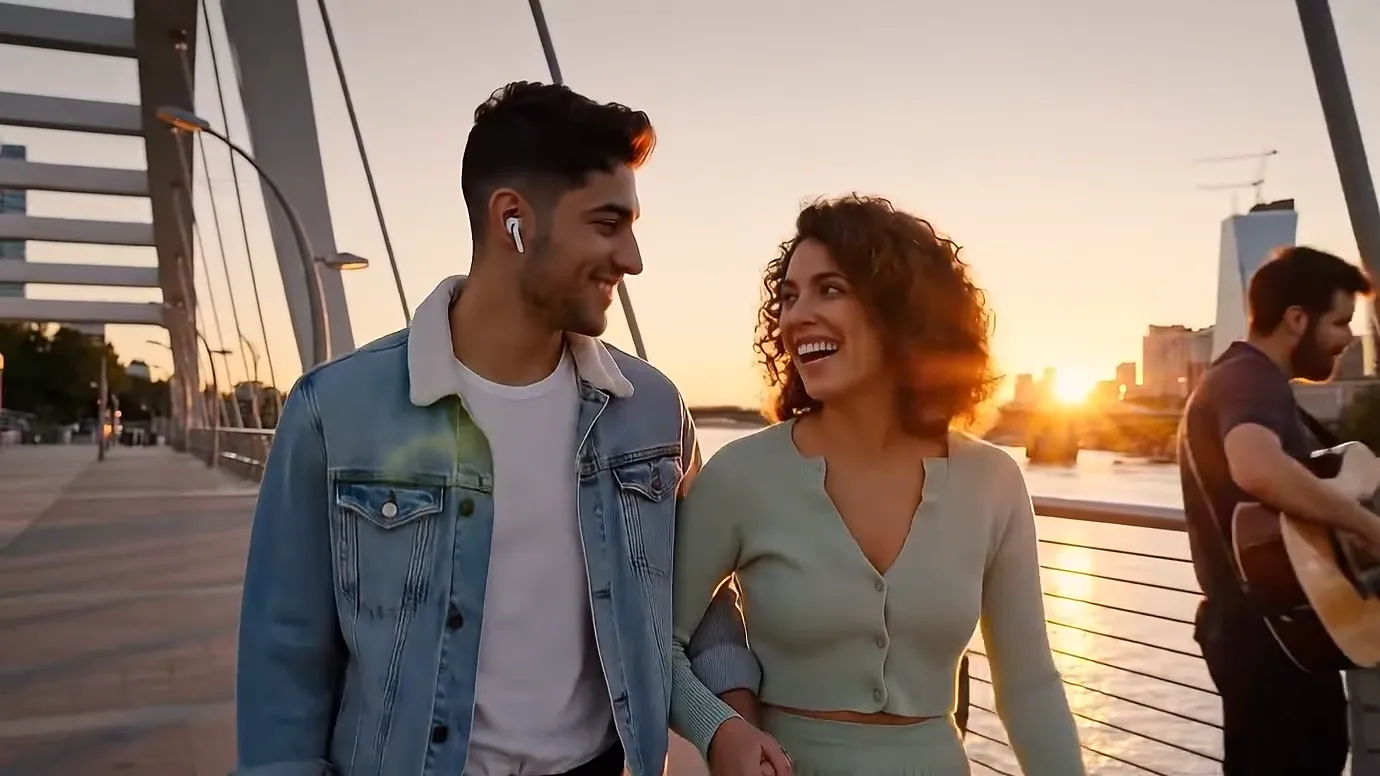 00:10:00 · 25FPS
Dual-character dialogue and vocal timbre continuity anchored by two cast portraits and one clean acoustic stem.
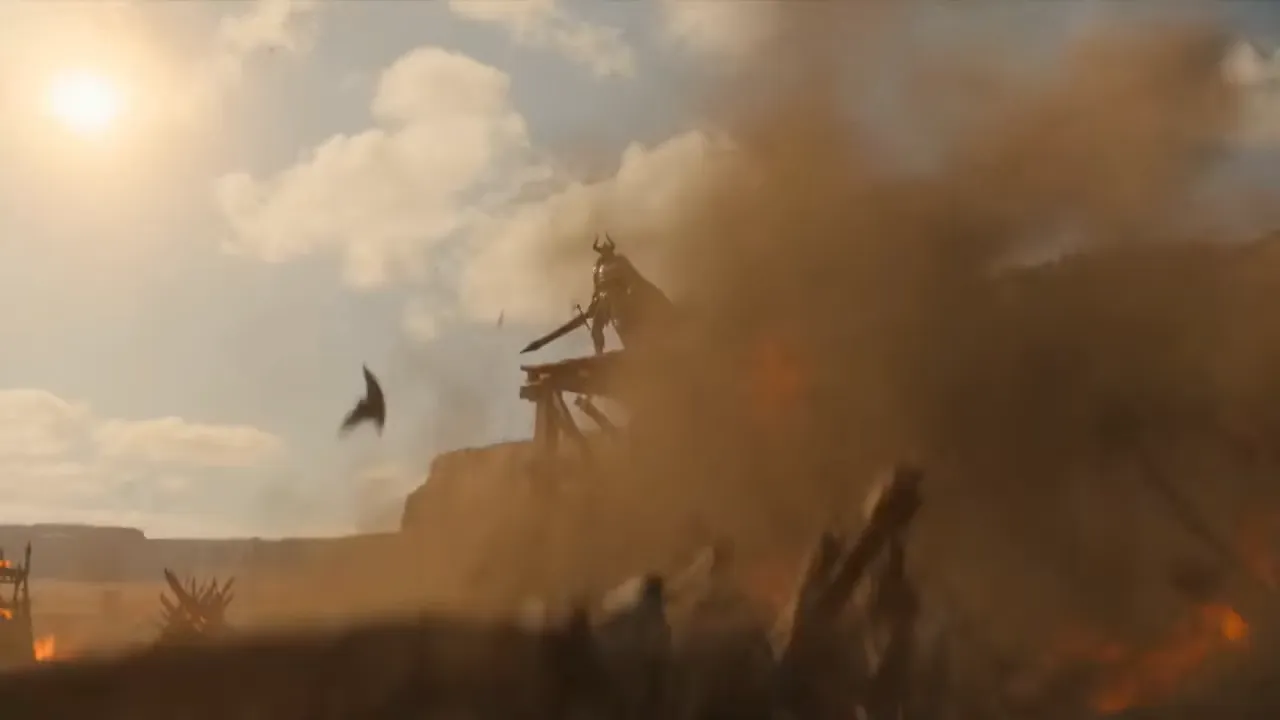 00:12:00 · 25FPS
Stunt blocking motion video paired with armor turnaround stills and layered wind-and-percussion audio refs.
VERIFIED SPECIFICATIONS
Reference-slot ceilings and practical sweet spots for keeping MAGI-2 omni-reference generations clean and artifact-free.
| Modality Slot Type | Maximum Slots | Best Production Role | Recommended Sweet Spot |
|---|---|---|---|
| Image References (@img) | Up to 10 images | Character turnarounds, wardrobe, props, lighting LUTs | 2 – 5 crisp non-conflicting stills |
| Video References (@vid) | Up to 5 videos | Camera blocking, motion pacing, choreography transfer | 1 – 2 clean camera/action clips |
| Audio References (@aud) | Up to 5 audio clips | Voice timbre cloning, foley textures, musical themes | 1 – 2 dry vocal or SFX stems |
| Combined Generation Cap | 20 assets combined | Full multimodal cast + motion + sound continuity | 5 – 10 focused assets per scene |
Benchmarks and reference pricing compiled from published November 2026 Sand.ai, Hugging Face, Higgsfield, and Kie.ai model cards.
Most video generators lose a protagonist's face, armor markings, or room layout the moment the camera cuts to a reverse angle. Sand.ai engineered MAGI-2 with a 20-slot multimodal omni-reference budget specifically to solve cross-shot production continuity:
@img1–@img10): Anchor character turnarounds (front, profile, close-up), wardrobe textures, product packaging, logos, and set lighting stills.@vid1–@vid5): Transfer exact Steadicam pacing, fight choreography, facial performance rhythm, or environmental particle movement.@aud1–@aud5): Lock speaker vocal timbre, signature sound effects, room ambience, or musical motifs directly into MAGI-2's unified 25fps audio track.This workstation opens directly into the 20-Asset Omni-Reference Matrix so you can budget slots inside the hard 10 / 5 / 5 caps, assign explicit @img / @vid / @aud binding roles, and export a structured JSON payload ready for hosted MAGI-2 endpoints.
Filling all 20 slots indiscriminately creates visual tension and conflicting lighting cues. Experienced directors allocate only the slots each scene genuinely needs:
@img1), second speaker portrait (@img2), practical location lighting still (@img3).@aud1) and Speaker B (@aud2) so dialogue voices remain identical across cuts.@img1), side profile (@img2), macro material texture (@img3), brand color-grade LUT still (@img4), studio backdrop (@img5).@vid1).@aud1).@img1–@img3), primary weapon prop (@img4), environment palette (@img5–@img6).@vid1), dust/ember atmospheric reference (@vid2).@aud1), percussive score stem (@aud2).Once your reference binding map is finalized, verify total episode or ad spend in the API Pricing & Budget Estimator. For standalone shots that need zero cast continuity, jump to the Text-to-Video Storyboard, or lock exact opening stills in the Image-to-Video Keyframe Lab. You can always return to the All-in-One Director Console to view full model benchmarks.
DEDICATED WORKSTATIONS
Switch directly to specialized shot-list builders and transparent 1080p render budget estimators.
Return to the all-in-one workspace with full MAGI-2 architecture benchmarks.
Open Workstation → T2V STUDIODraft standalone 4–30s multi-shot scenes directly from text scripts.
Open Workstation → I2V LABAnimate locked hero stills with guided Start & End Keyframe bridges.
Open Workstation → API BUDGETEstimate 1080p multi-scene campaign spend at ~$0.08/s and export CSV.
Open Workstation →TECHNICAL ANSWERS
Answers on 10/5/5 slot caps, @ref prompt binding, voice continuity, and local asset privacy.
MAGI-2 accepts up to 20 simultaneous reference assets per generation: a maximum of 10 images, 5 video clips, and 5 audio clips.
No. Overloading all 20 slots with conflicting lighting or overlapping angles can dilute guidance. Most clean commercial and narrative shots perform best with 4 to 10 focused references.
Tag each asset explicitly in your prompt (for example, @img1 for protagonist wardrobe, @vid1 for camera orbit pacing, @aud1 for lead voice timbre) so the model maps every file to one unambiguous job.
Yes. Supplying dry, noise-free 3–6 second vocal clips in your audio reference slots helps preserve consistent voice timbre across multi-shot dialogue cuts.
Reference conditioning typically uses the same per-second 1080p pricing tier (~$0.08/sec direct API benchmark), though specific hosted platforms may vary credit weights—check your host's rate card and estimate spend on our Pricing page.
No. Magi-2 AI plans your slot counts, role bindings, and JSON schema 100% locally in your browser without uploading your files. Upload your actual assets directly to your chosen MAGI-2 host.
READY TO DIRECT
Structure 4–30s multi-shot camera beats, pair synchronized dialogue and foley cues, map up to 20 multimodal references, and export clean JSON locally in your browser.
CREATOR FIELD NOTES
Post a MAGI-2 timeline beat structure, soundstage cue that worked well, or technical question for fellow creators.
No field notes yet. Share the first MAGI-2 prompt setup or workflow tip above.