
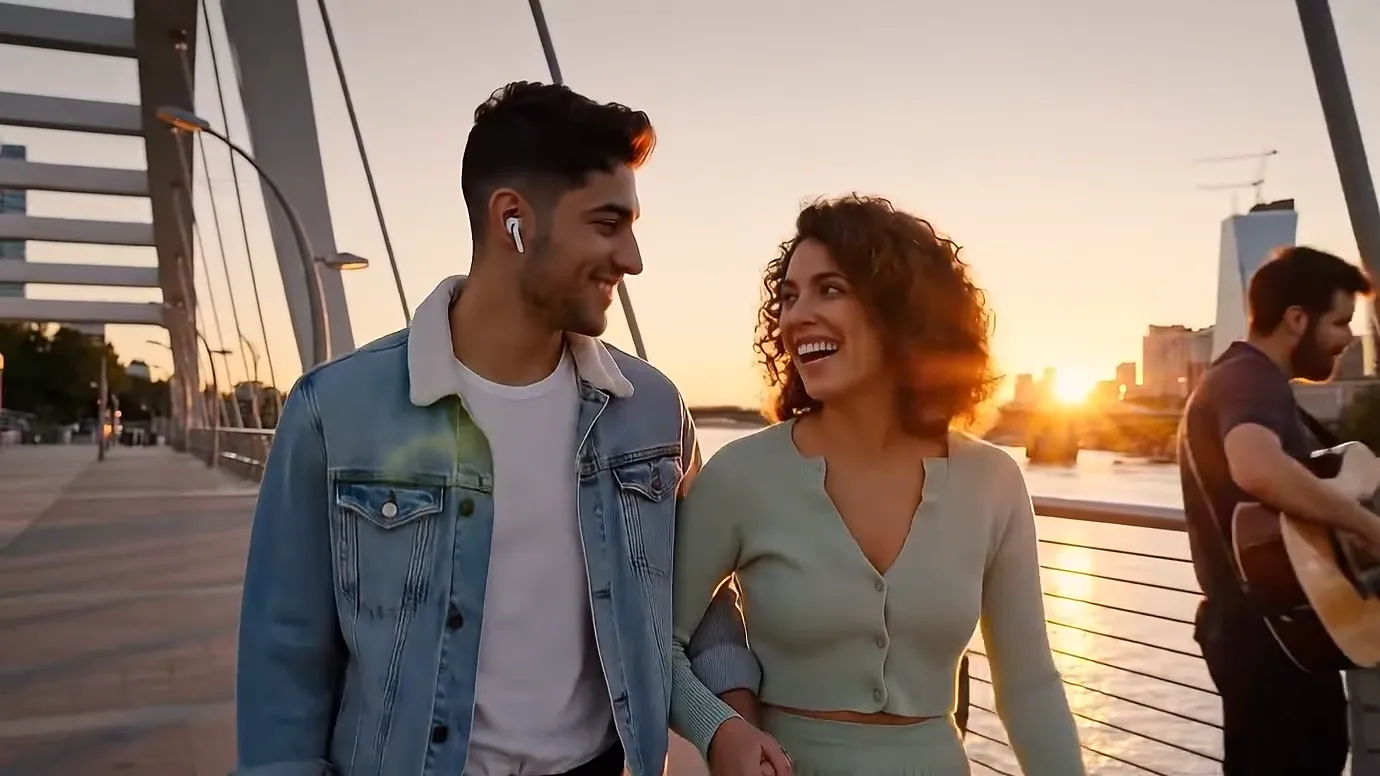
 00:10:00 · 25FPS
16:9 T2VDialogueGolden Hour
Golden-Hour Bridge Dialogue
Two-shot golden-hour Steadicam sequence combining natural spoken dialogue with street-busker guitar audio.
MAGI-2 TEXT-TO-VIDEO · MULTI-SHOT 4–30S · NATIVE DIALOGUE & FOLEY · FREE LOCAL STUDIO
Draft 4–30s multi-shot Text-to-Video prompts with SMPTE 25fps beat markers, lip-synced dialogue, physical foley, and instant API JSON output.
100% browser-local pre-production studio · No sign-up or cloud upload · Paste exported script or JSON into Sand.ai, Higgsfield, Kie.ai, SeeAPI, or Pollo AI to render.
TEXT-TO-VIDEO BLUEPRINTS
Preview six verified Text-to-Video cinema clips and load any timecoded blueprint directly into the console above.
00:10:00 · 25FPS
Two-shot golden-hour Steadicam sequence combining natural spoken dialogue with street-busker guitar audio.
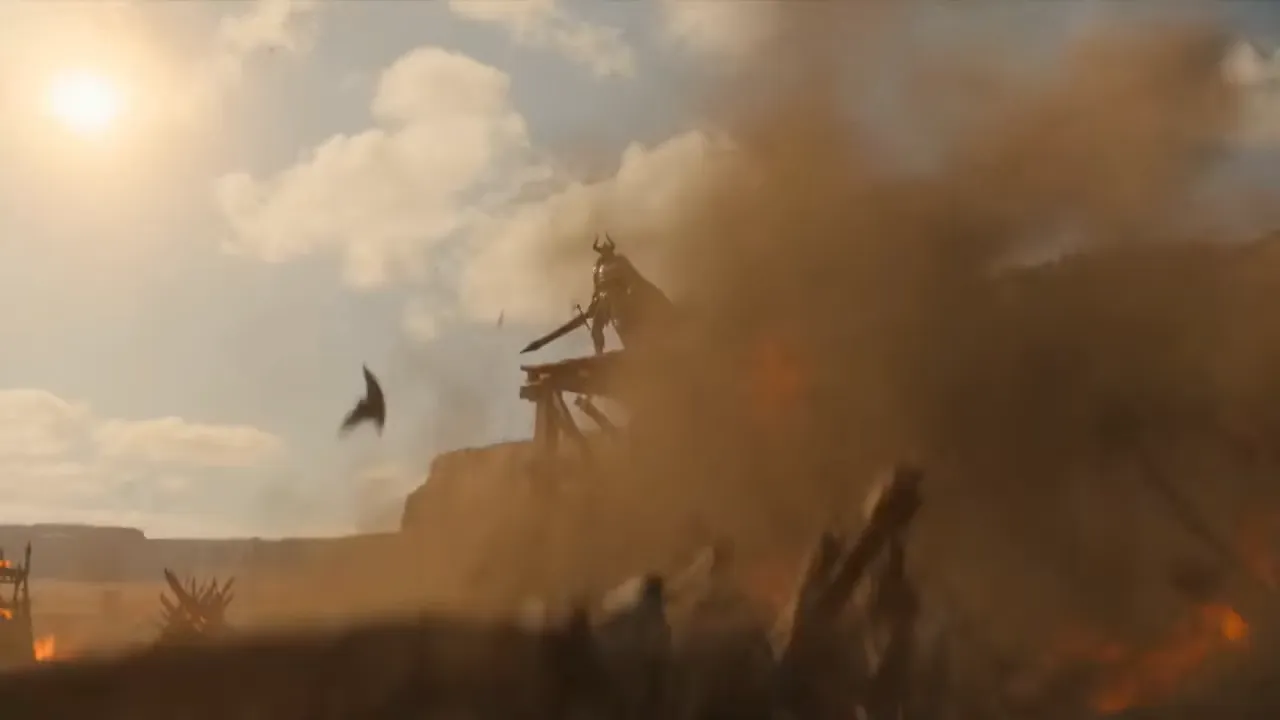 00:12:00 · 25FPS
Epic crane push through sunlit dust haze with creaking wood foley, embers, and sub-bass drums.
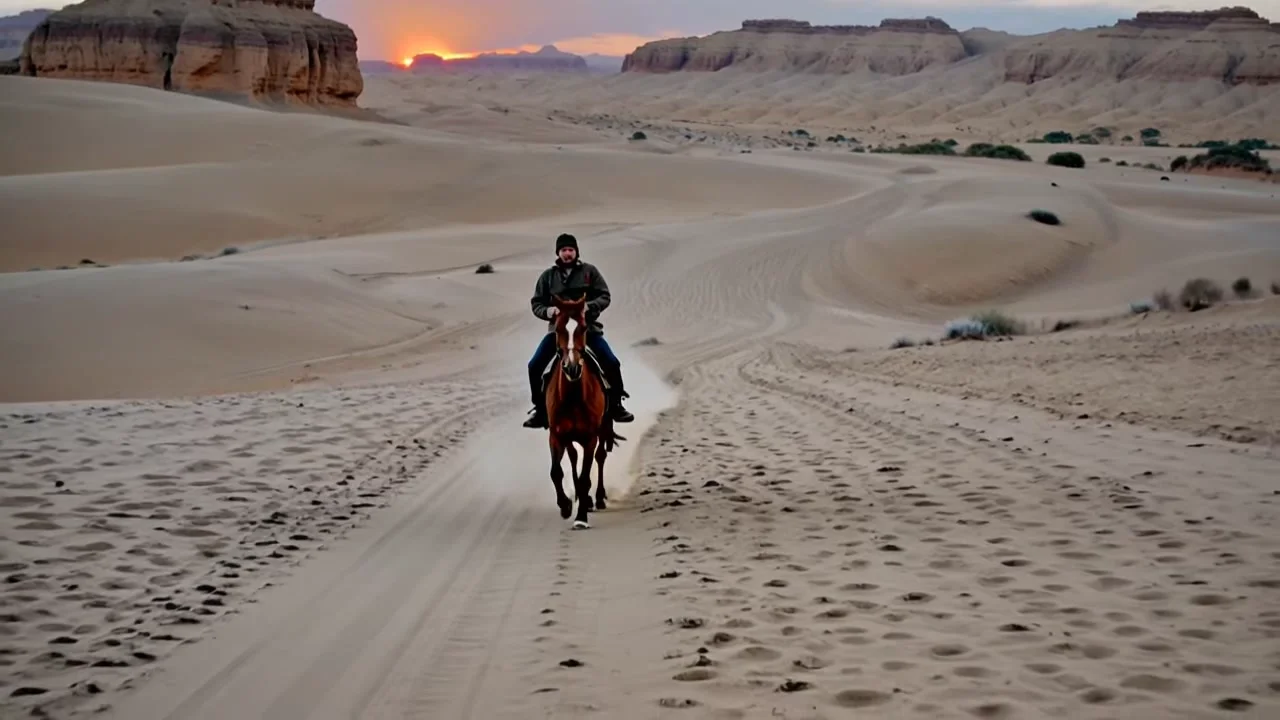 00:10:00 · 25FPS
Sustained front-mounted tracking shot with realistic sand physics and rhythmic hoofbeat foley.
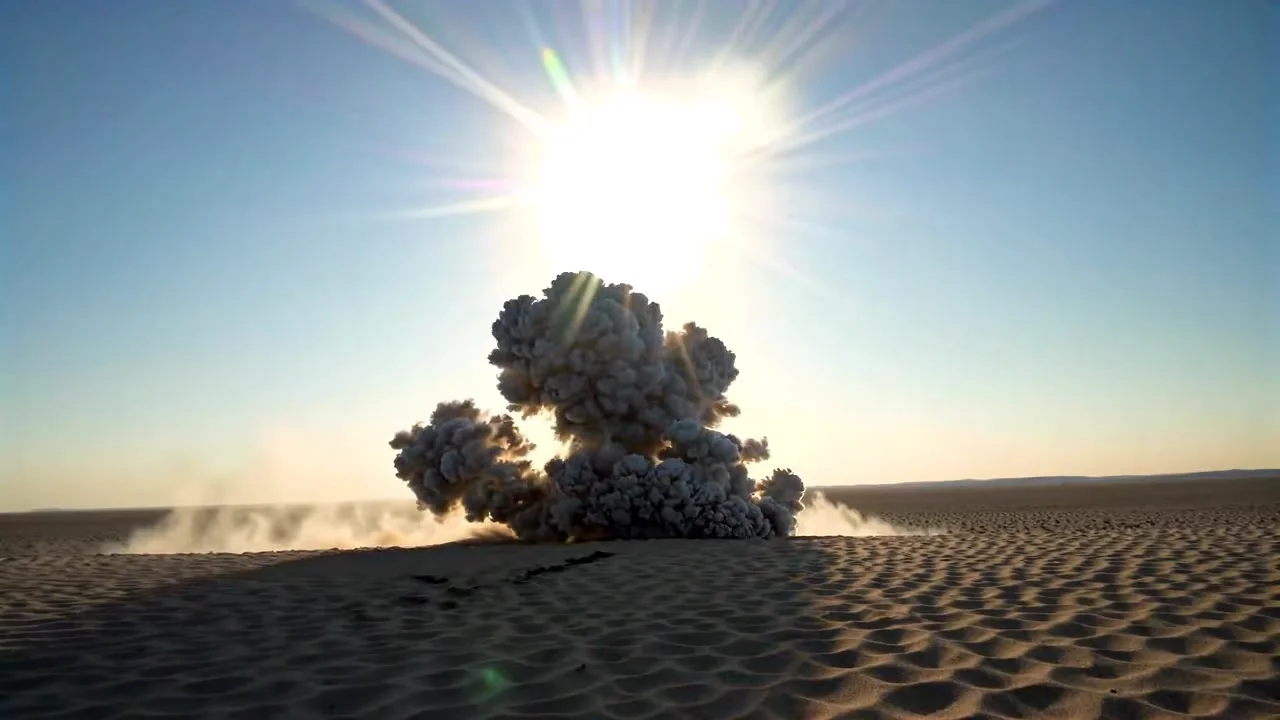 00:06:00 · 25FPS
Telephoto desert explosion highlighting natural particulate turbulence and delayed acoustic shockwave.
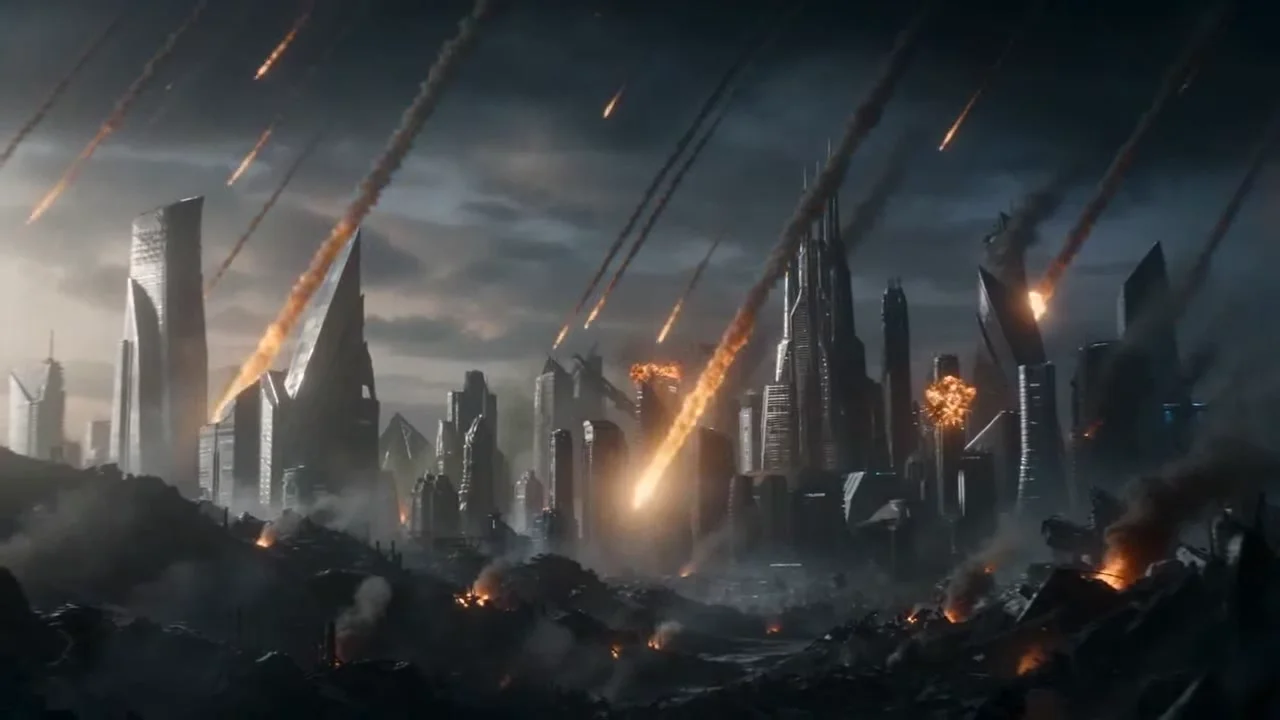 00:15:00 · 25FPS
Two-beat sci-fi disaster sequence with fiery atmospheric trails, impact flash, and radio dispatch voice.
 00:08:00 · 25FPS
9:16 vertical orbital highway chase built for Reels and Shorts with warm golden specular trails.
THREE-PHASE WORKFLOW
A repeatable three-step formula for directing multi-shot MAGI-2 Text-to-Video prompts with minimal wasted takes.
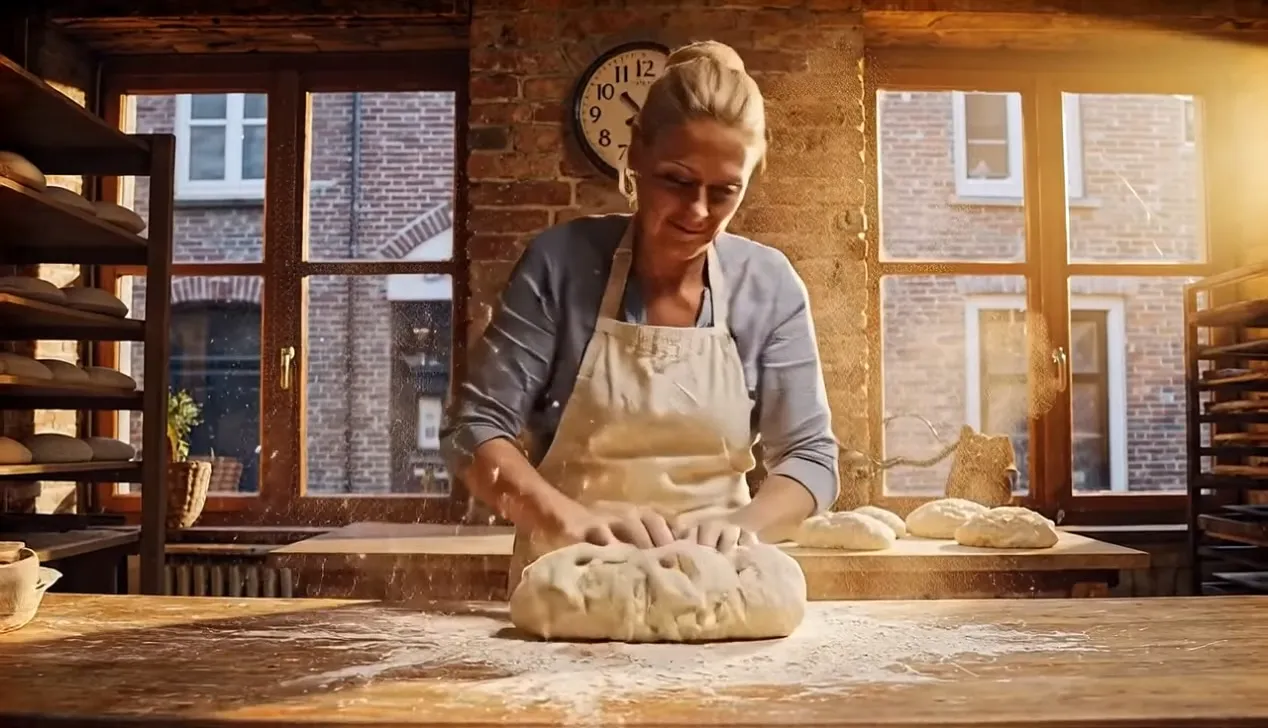
Draft 2 to 4 timecoded shots across a 4–30s window using the SMPTE 25fps ruler and quick camera-beat buttons.
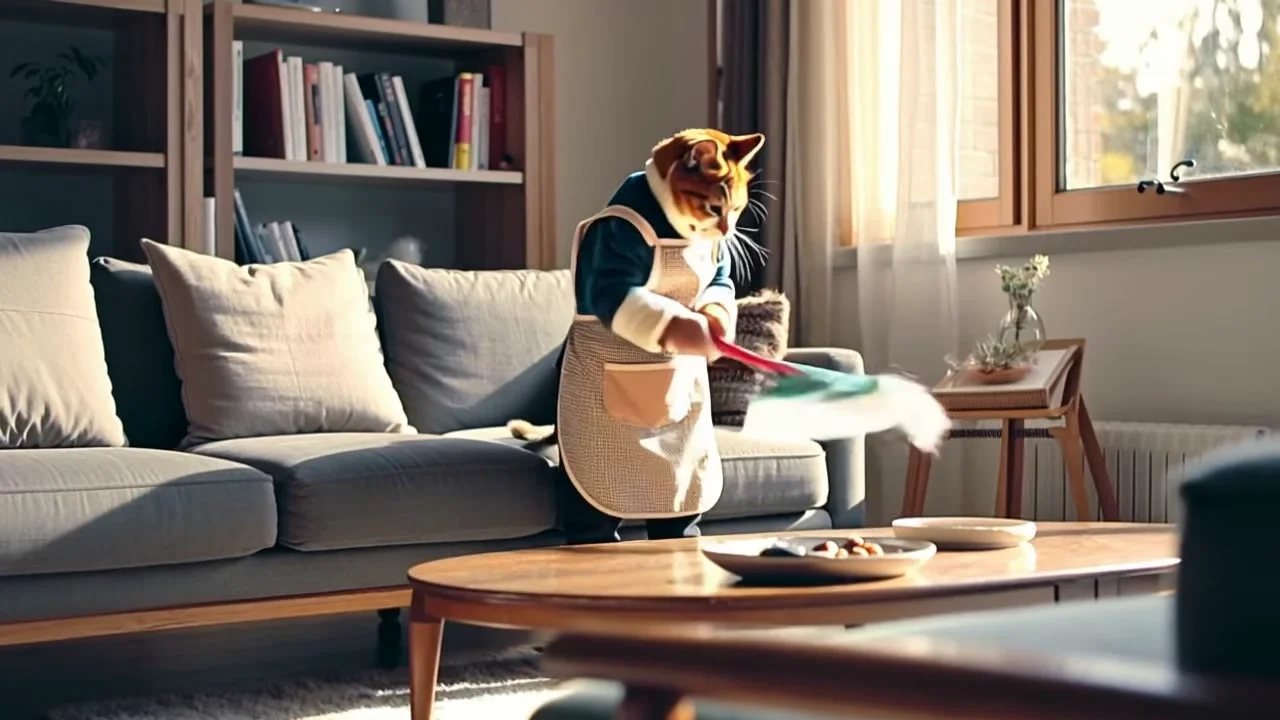
Add concise spoken lines, physical foley cues, and musical mood so video and audio stay synchronized from frame zero.
Copy the formatted prompt or API JSON schema locally and run it on your hosted MAGI-2 endpoint.
Writing effective MAGI-2 Text-to-Video prompts is closer to preparing a director's shot-list than writing an image caption. Because Sand.ai's 480B MoE model renders up to 30 continuous seconds at 1080p and 25 fps alongside synchronized native audio, every second you leave unspecified invites visual drift or flat ambient sound.
This dedicated Text-to-Video workstation locks the console into text_to_video mode so you can draft timecoded shots, test camera rig language, balance spoken lines against foley, and export a clean prompt or JSON schema ready for Sand.ai, Higgsfield, Kie.ai, SeeAPI, or Pollo AI.
When generating clips longer than 6 seconds, divide your narrative into clear intervals—such as [00:00-00:04], [00:04-00:08], and [00:08-00:12]. Give each window one primary camera movement (dolly-in, crane pull-back, handheld pan) instead of stacking conflicting motions inside the same sentence.
MAGI-2 generates native lip-synced speech directly alongside facial micro-expressions. Keep spoken lines concise—roughly 12 to 18 words per 5 seconds—and specify delivery tone ("soft laugh," "urgent radio whisper," "calm documentary narration") so pacing fits comfortably inside your chosen clip duration.
Always name what makes noise in frame: footsteps on wet asphalt, flour thumping onto an oak bench, creaking wooden scaffolding, or distant thunder rolling across dunes. Explicit diegetic sound anchors keep MAGI-2's audio track grounded instead of defaulting to generic background synths.
At the ~$0.08/sec 1080p benchmark, testing framing and lighting in a 5-second clip costs ~$0.40 before expanding to a 15- or 30-second sequence ($1.20–$2.40). Model your full multi-take campaign budget inside the API Pricing Estimator, or switch to the Image-to-Video Keyframe Lab if you already have a locked starting still.
Text-to-Video shines for standalone establishing shots, concept pitches, and atmospheric B-roll. The moment a project demands the exact same actor, logo, or wardrobe across three or more distinct clips, carry your script over to the Reference-to-Video 20-Asset Matrix or return to the All-in-One Director Console.
DEDICATED WORKSTATIONS
Switch directly to specialized shot-list builders and transparent 1080p render budget estimators.
Switch freely between all three MAGI-2 modes and full benchmark tables.
Open Workstation → I2V KEYFRAMESAnimate locked opening and closing stills with guided camera physics.
Open Workstation → 20 REFSPlan 10 image, 5 video, and 5 audio reference slots for recurring casts.
Open Workstation → API BUDGETCalculate 1080p render budgets at ~$0.08/s and download a CSV breakdown.
Open Workstation →TECHNICAL ANSWERS
Practical guidance for writing multi-shot text-to-video scripts, lip-synced speech, and camera cues.
MAGI-2 Text-to-Video supports continuous clips from 4 seconds up to 30 seconds at native 1080p and 25 frames per second, including multi-shot cuts in a single render.
Yes. Include quoted speech with clear tone cues in the Spoken Dialogue lane of the console—keep lines around 12–18 words per 5 seconds for natural 25fps lip-sync pacing.
Use bracketed timestamps such as Shot 1 [00:00-00:05] and Shot 2 [00:05-00:10], assigning one distinct framing and camera rig instruction to each window.
16:9 (1920×1080) works best for cinema and YouTube, 9:16 (1080×1920) fits Shorts and Reels, and 1:1 (1080×1080) suits paid social squares.
At the ~$0.08/sec 1080p API benchmark, a 5s test costs ~$0.40, a 10s shot costs ~$0.80, and a 30s multi-shot render costs ~$2.40 with native audio included.
No. Copy your formatted prompt or download the JSON payload from this free local console and submit it on Sand.ai, Higgsfield, Kie.ai, SeeAPI, or Pollo AI.
READY TO DIRECT
Structure 4–30s multi-shot camera beats, pair synchronized dialogue and foley cues, map up to 20 multimodal references, and export clean JSON locally in your browser.
CREATOR FIELD NOTES
Post a MAGI-2 timeline beat structure, soundstage cue that worked well, or technical question for fellow creators.
No field notes yet. Share the first MAGI-2 prompt setup or workflow tip above.